Make your Mac feel more like you
Find a screensaver you love. Choose your colors, set the pace, and enjoy the view.
Featured collections
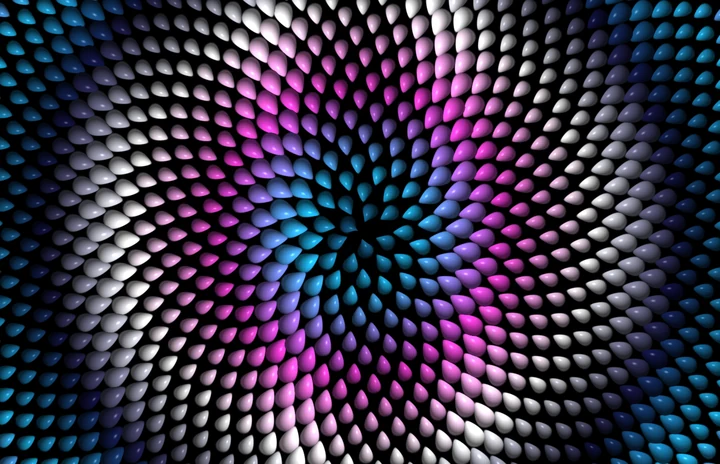
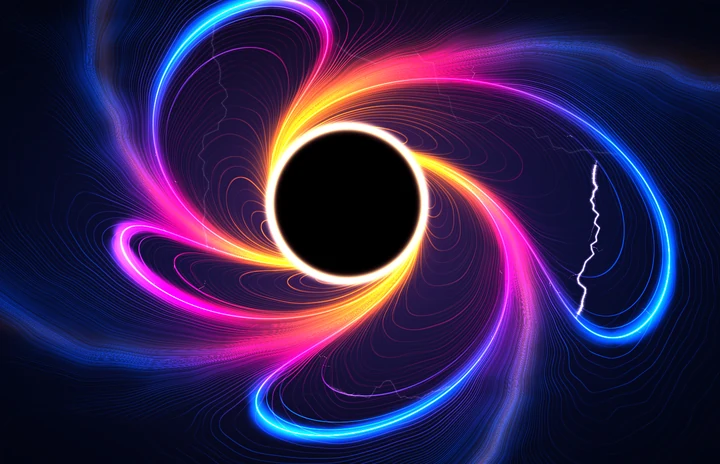
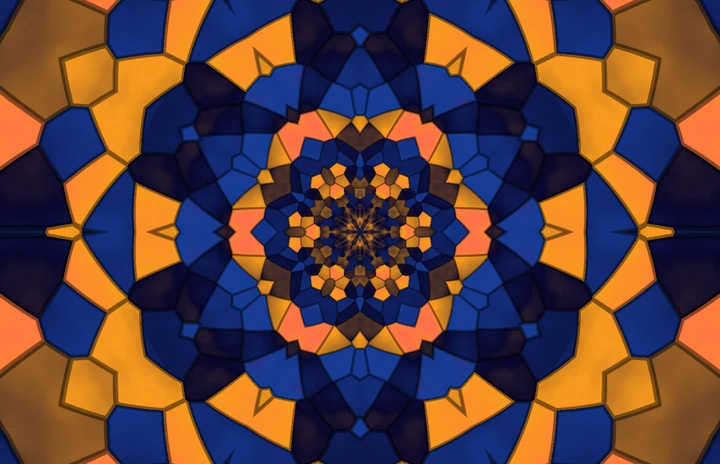
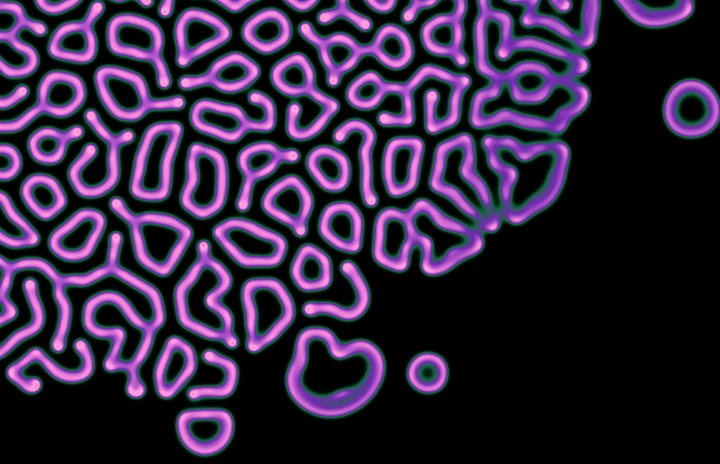

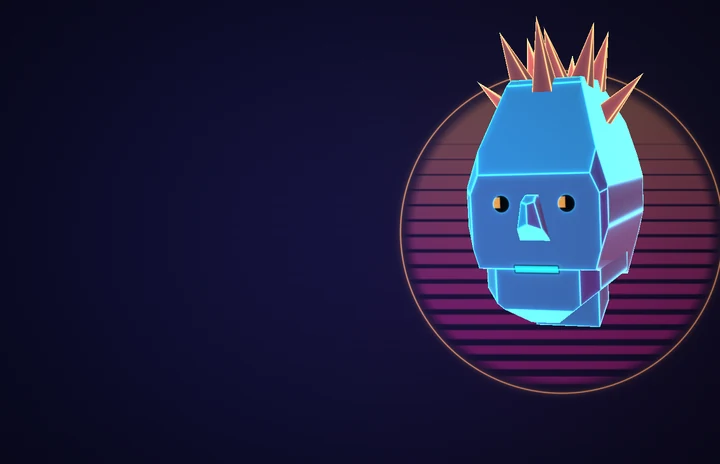
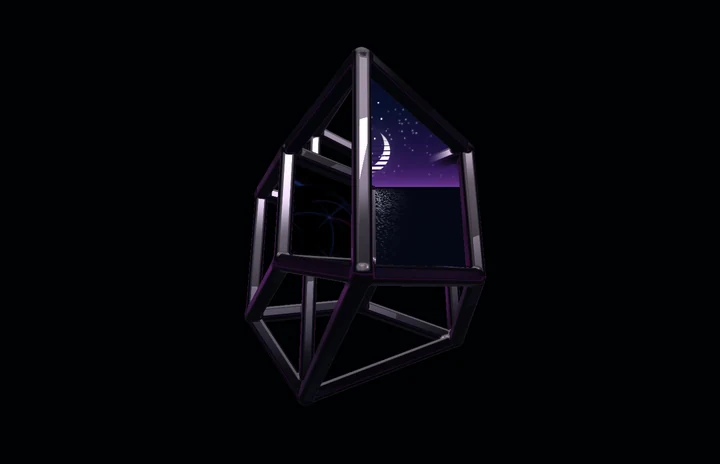
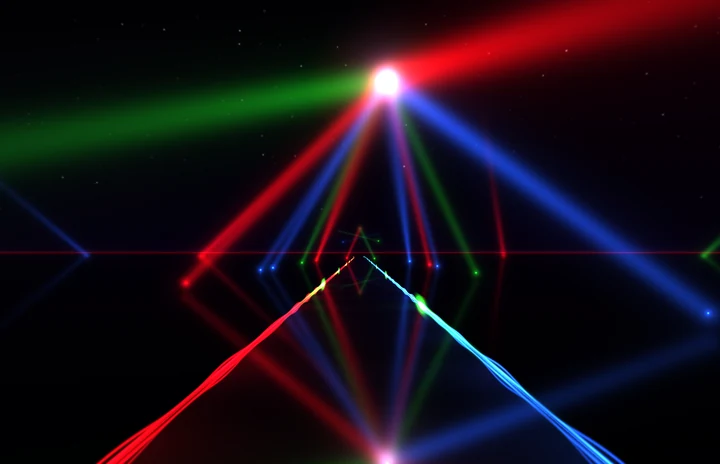
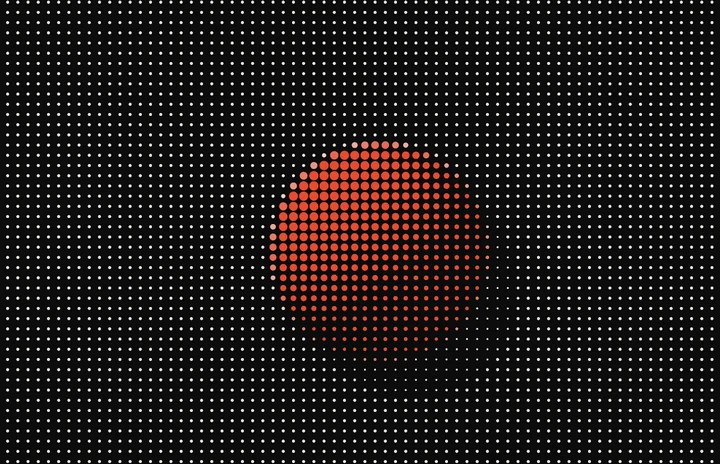
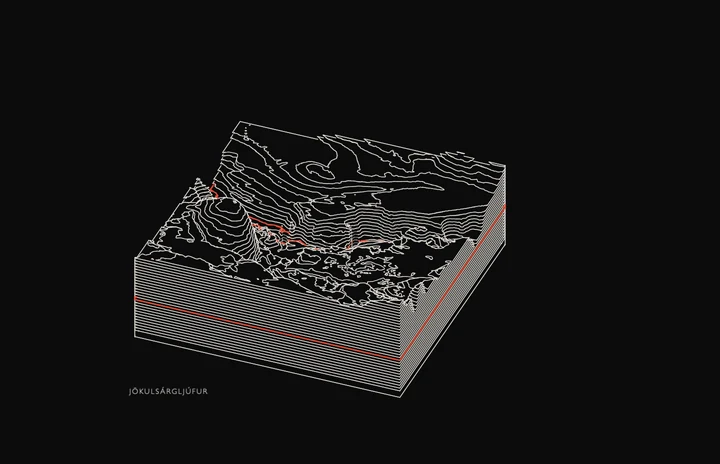
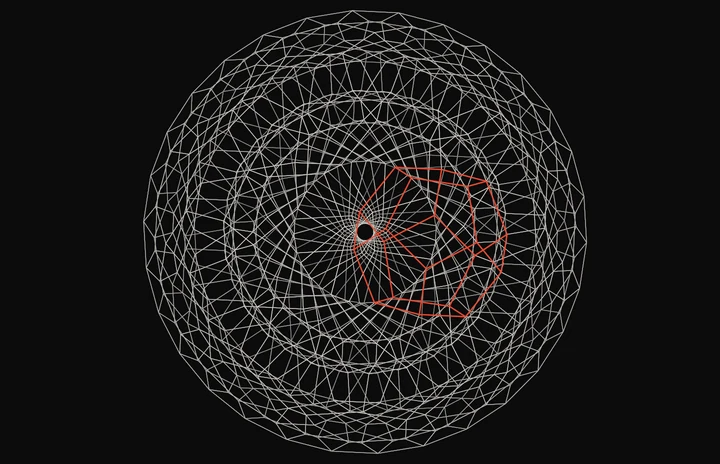

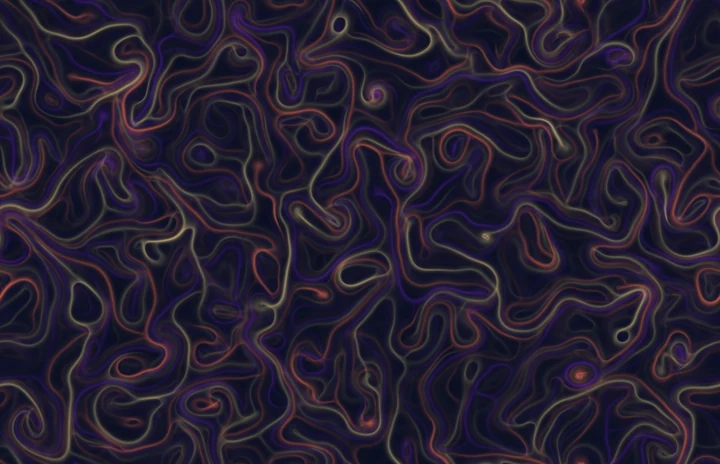
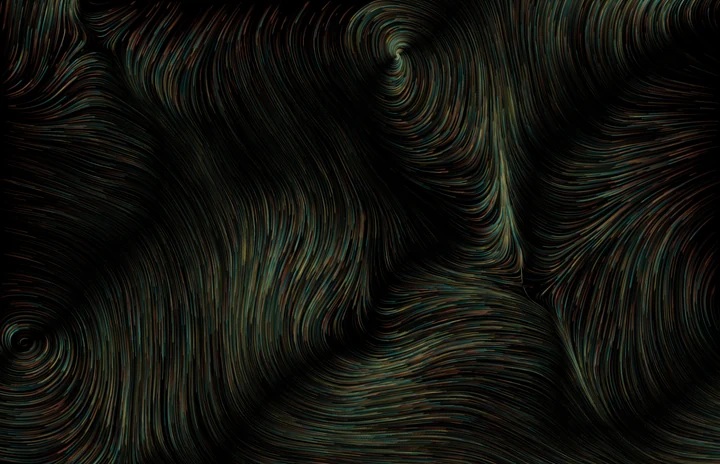
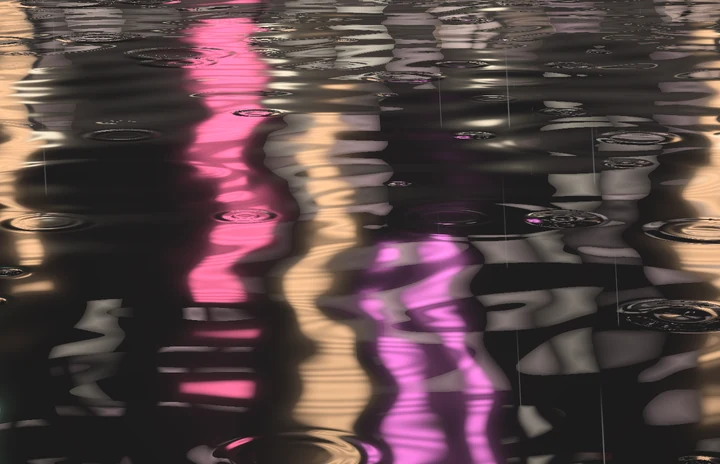

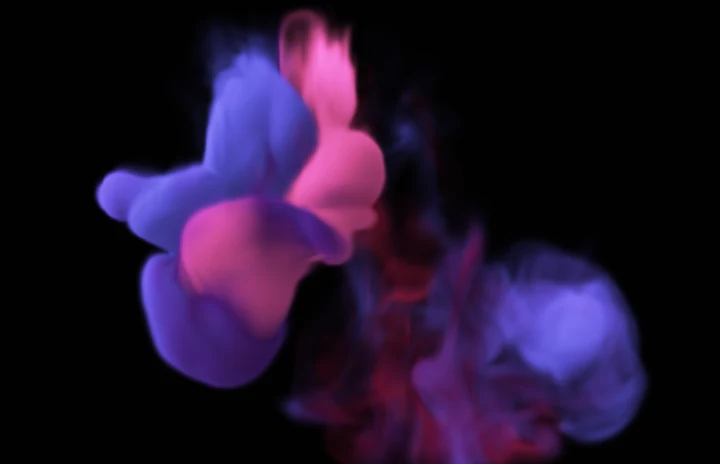
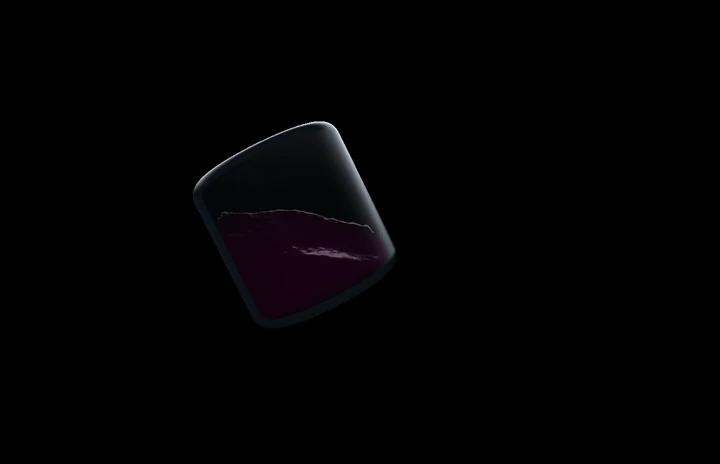
Your screen. Your way.
Make each one your own.
Start with a piece you love. Find your colors, set the pace, and change the details until it feels at home on your screen.
For example, in Kaleidoscope
Find your colors
Choose a palette and rearrange its colors to change the whole mood.
Change the pattern
Try four, six or ten mirrored segments. Move from organic shapes to facets and prisms.
Set the pace
Let it drift slowly, or give the pattern a little more energy.
Example · KaleidoscopePreferences
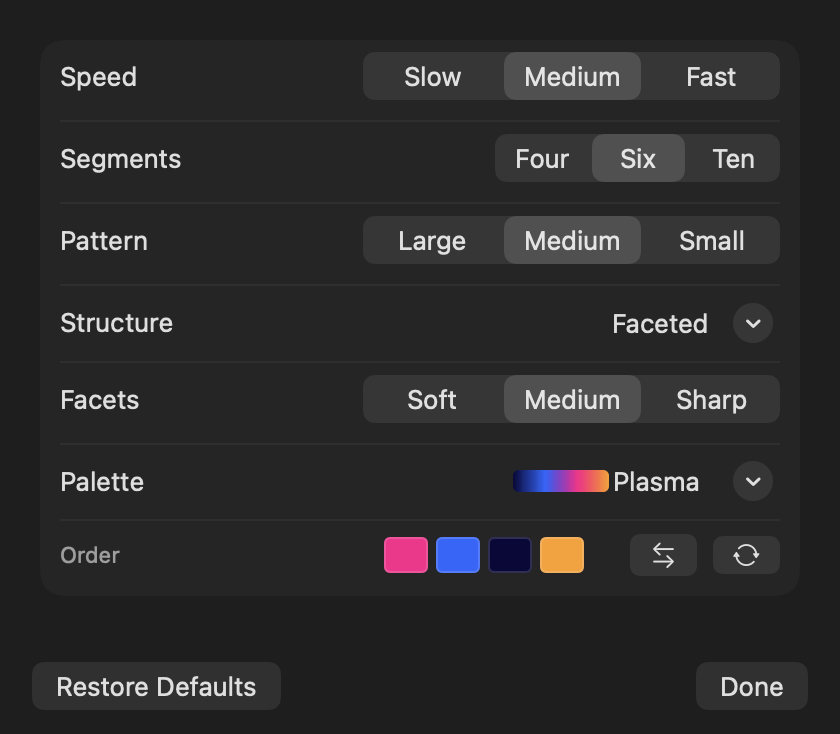
See every change.
Preview your choices live in the app. Experiment freely; the defaults are always a click away.
Your favorites, on rotation.
Stay with one piece, or choose which pieces the collection can shuffle through.
How they’re made
Small pieces of generative art, each one built, tuned and lived with before it ships.
Math, turned into art
Each piece starts from an idea in mathematics or nature: a tiling that never repeats, two chemicals reacting, light bending through water. We write it as code, and your Mac draws it live.
Made with care
Every piece is tuned by hand and tested the way it will actually run: how it opens, how fast it moves, and how it looks after a long night, so the tenth hour holds up as well as the first minute.
Kind to your screen
Nothing parks in one place. Every piece drifts slowly across the display, and we measure where each one puts its light over hours, so bright shapes keep moving while the picture stays interesting.
A style for every mood
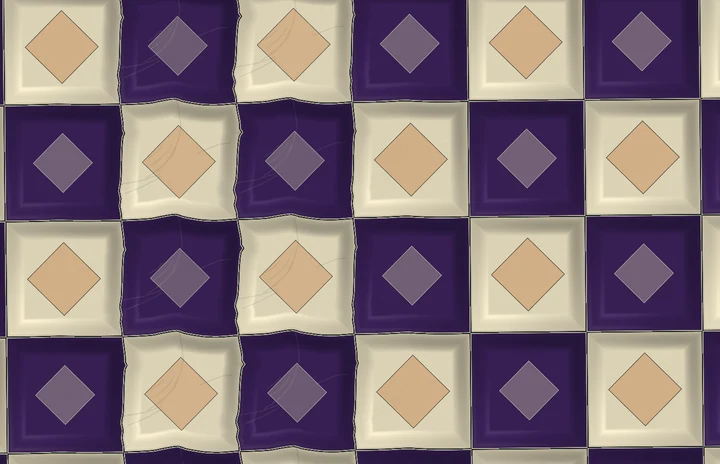
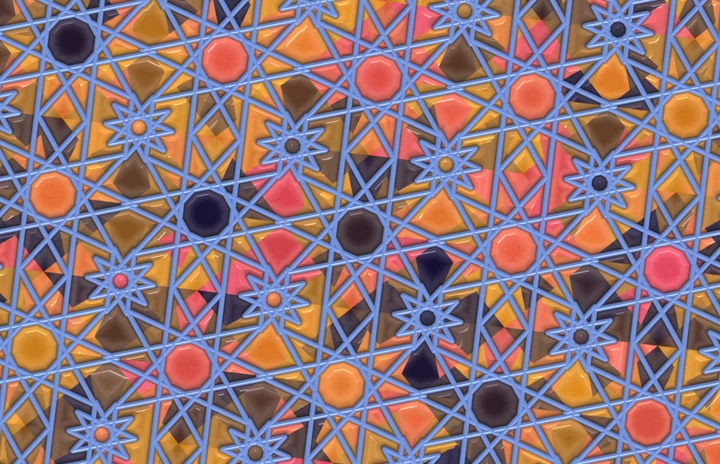
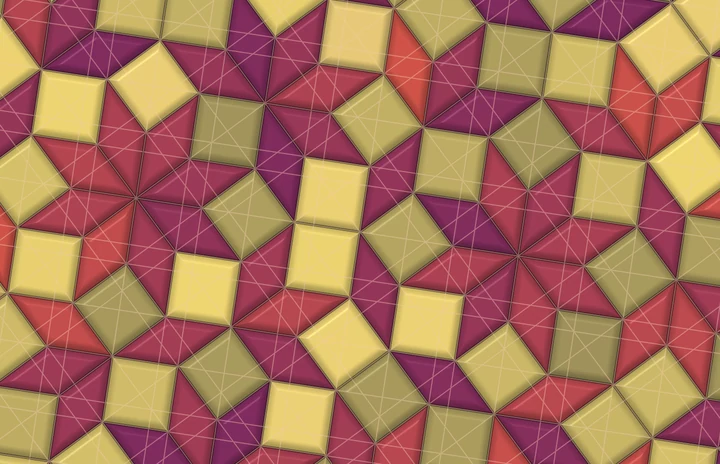
Calm or lively, bright or dim: slow growth, a game playing itself, flowing color, patterns that fit together. And every piece has settings of its own, so each one has many more looks than any preview can show.
Keep exploring
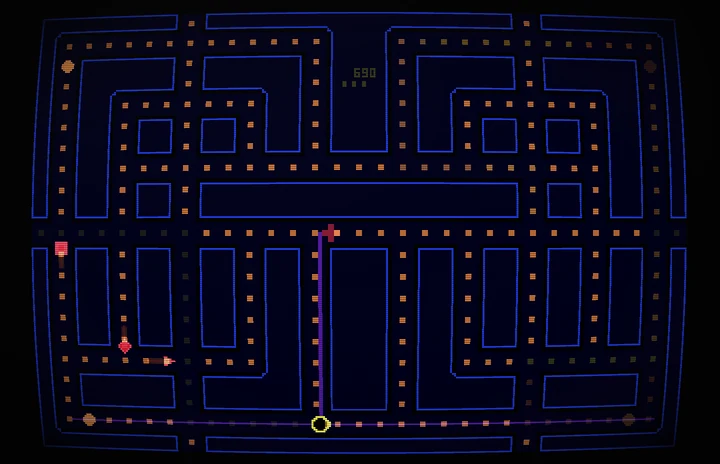



From the studio
Experimental.
Some ideas need a longer look. Worlds that remember, surfaces that keep growing: these are works in progress, open to explore. No release date yet.
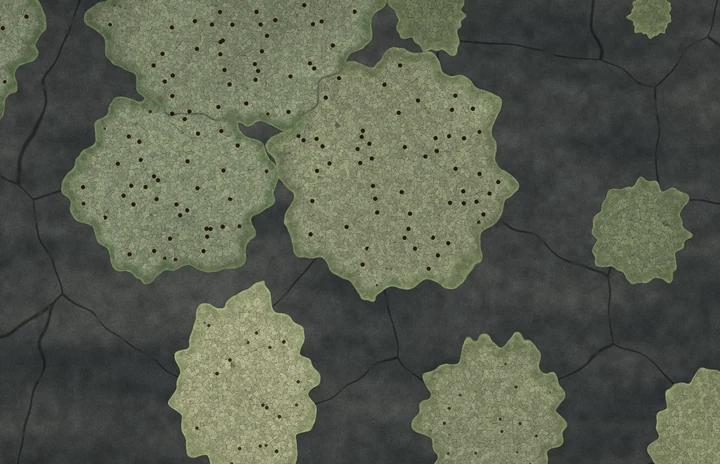
Made for your Mac.
- 01
We create each scene on the fly, right on your Mac. There’s no video file to loop.
- 02
What you watch stays on your Mac. No analytics.
- 03
No account, no sign-in, no subscription.
At home on your Mac
- macOS
- 14.6 or later
- Mac
- Apple silicon
- Display
- One screen or several
- Delivery
- Signed, notarized installer
Intel Macs aren’t supported.
macOS runs it on every connected display.
Download and install on your Mac.